What’s new?

Stay up to date with all of the latest additions

and improvements we've made to Jorny.

Sep 18, 2024

Team Collaboration Features

Discover our latest team collaboration features designed to streamline your workflow. From unlimited team invitations to real-time collaboration, these updates will help your team stay productive and connected.

New features that make working with your team easier:


  • Unlimited team member invitations

  • Custom permission levels

  • Change history tracking

  • Comment on reminders

  • Real-time collaboration

  • Share and delegate tasks

Aug 11, 2024

Multi-File Support

Our app is packed with powerful yet simple tools designed to streamline your workflow. From organizing tasks to collaborating with your team, these features ensure you stay productive, focused, and always on track.
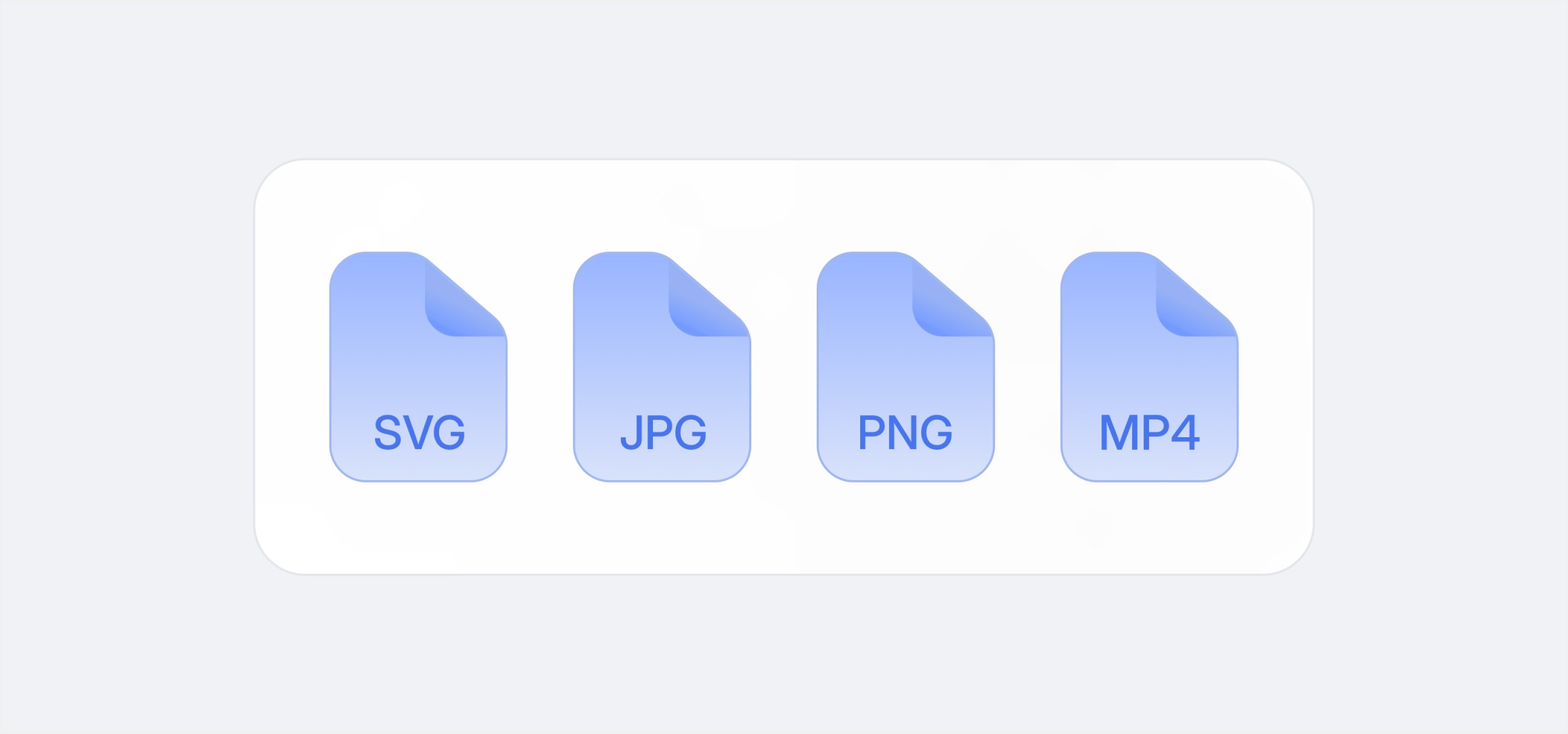
Now you can attach any type of file to your reminders:


  • Images — .png, .jpeg, .gif

  • Videos — .mp4, .mov

  • Prototypes — .origami, .prd

  • Lottie — .json

Jul 1, 2024

Enhanced Notification System

Our app is packed with powerful yet simple tools designed to streamline your workflow. From organizing tasks to collaborating with your team, these features ensure you stay productive, focused, and always on track.
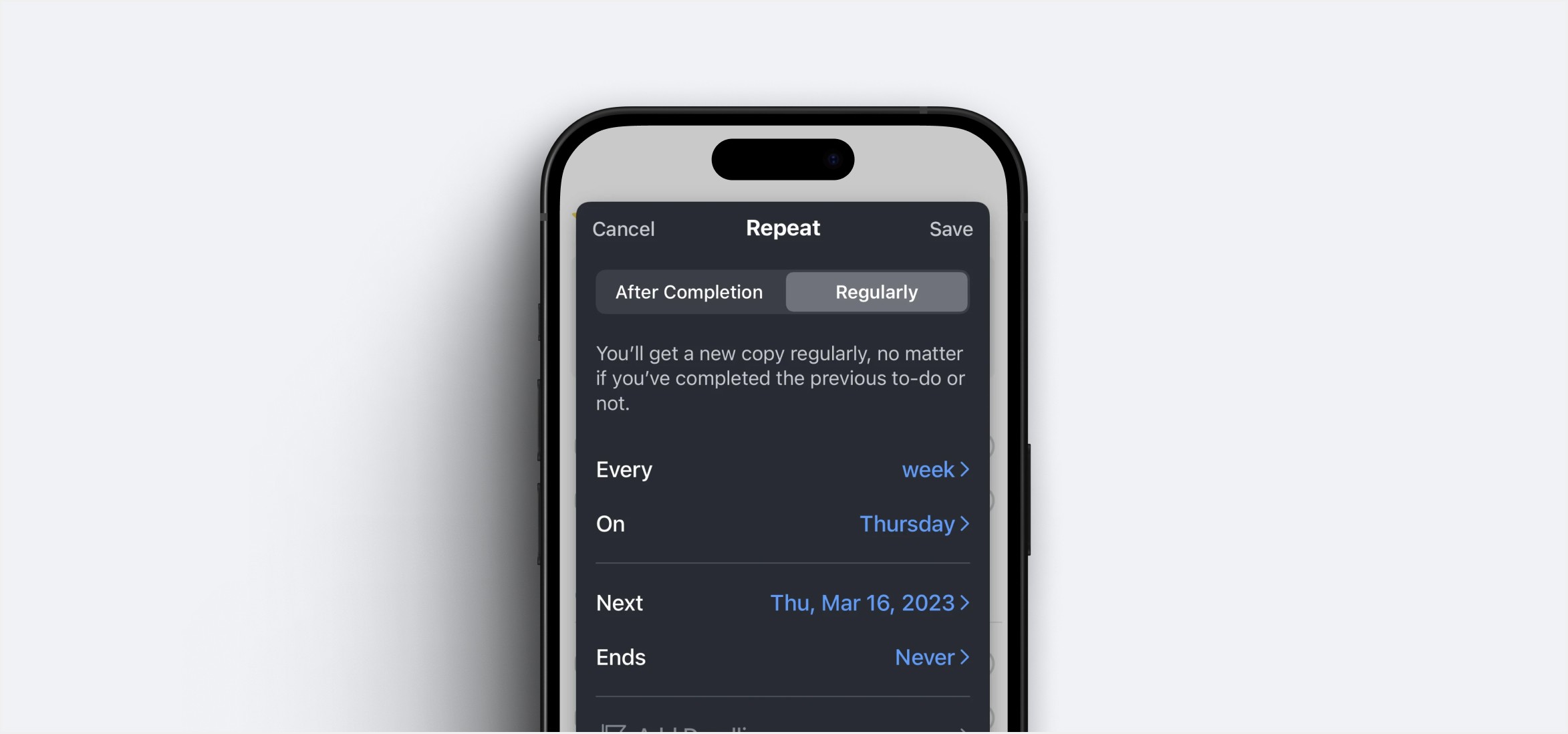
Our new notification features:


  • Smart reminders

  • Location-based notifications

  • Customizable notification sounds

  • Recurring reminders

  • Quiet hours setup

  • Priority-based notification management

  • Focus mode integration

Jun 10, 2024

Bug Fixes & Performance Improvements

Our app is packed with powerful yet simple tools designed to streamline your workflow. From organizing tasks to collaborating with your team, these features ensure you stay productive, focused, and always on track.

We've resolved several issues to enhance your experience:


  • Fixed calendar sync issues with Google Calendar

  • Resolved notification delays on iOS devices

  • Fixed a crash that occurred when editing recurring tasks

  • Improved app loading time by 40%

  • Fixed data synchronization issues between devices

  • Resolved UI scaling problems on tablets

  • Fixed keyboard overlap issues on Android

  • Memory usage optimizations

  • Battery consumption improvements

Questions? We’ve got answers

Find answers to the most common questions about
using our app on your mobile device.

Airless is a new, private voice, video, and text communication platform built for gamers. It helps friends, teams, and communities stay connected while they play.

What is Airless?

Yes. You can create your own servers, set up channels, invite friends, and organize everything the way you want.

Can I create my own servers?

Yes. Airless works for small friend groups and larger gaming communities with multiple channels and roles.


Is Airless suitable for large communities?

No. You can create an account and start using Airless without uploading personal documents or biometric data.


Do I need to upload an ID or do a face scan to use Airless?

Yes. Airless supports low-latency voice chat and group video calls, designed to run smoothly during gameplay.


Does Airless support voice and video calls?

Airless is built to store as little information as possible. We focus on minimising user data requirements and keeping communication simple and secure.


Is Airless secure?

Airless is a new, private voice, video, and text communication platform built for gamers. It helps friends, teams, and communities stay connected while they play.

What is Airless?

Yes. You can create your own servers, set up channels, invite friends, and organize everything the way you want.

Can I create my own servers?

Yes. Airless works for small friend groups and larger gaming communities with multiple channels and roles.


Is Airless suitable for large communities?

No. You can create an account and start using Airless without uploading personal documents or biometric data.


Do I need to upload an ID or do a face scan to use Airless?

Yes. Airless supports low-latency voice chat and group video calls, designed to run smoothly during gameplay.


Does Airless support voice and video calls?

Airless is built to store as little information as possible. We focus on minimising user data requirements and keeping communication simple and secure.


Is Airless secure?

Airless is a new, private voice, video, and text communication platform built for gamers. It helps friends, teams, and communities stay connected while they play.

What is Airless?

Yes. You can create your own servers, set up channels, invite friends, and organize everything the way you want.

Can I create my own servers?

Yes. Airless works for small friend groups and larger gaming communities with multiple channels and roles.


Is Airless suitable for large communities?

No. You can create an account and start using Airless without uploading personal documents or biometric data.


Do I need to upload an ID or do a face scan to use Airless?

Yes. Airless supports low-latency voice chat and group video calls, designed to run smoothly during gameplay.


Does Airless support voice and video calls?

Airless is built to store as little information as possible. We focus on minimising user data requirements and keeping communication simple and secure.


Is Airless secure?